Most small businesses can now build an AI automation faster than they can explain how it is performing. A workflow reads an inbox, updates a CRM, drafts a reply, and routes a task. It looks productive—until costs drift upward, bad records spread, or a customer receives an answer nobody can reconstruct.
The next practical step is not another agent. It is AI automation observability: a simple operating view that tells you what ran, what it cost, where it failed, and whether the workflow produced a useful business result. You do not need an enterprise command center. You need a dashboard that makes silent failure visible before it reaches a customer.
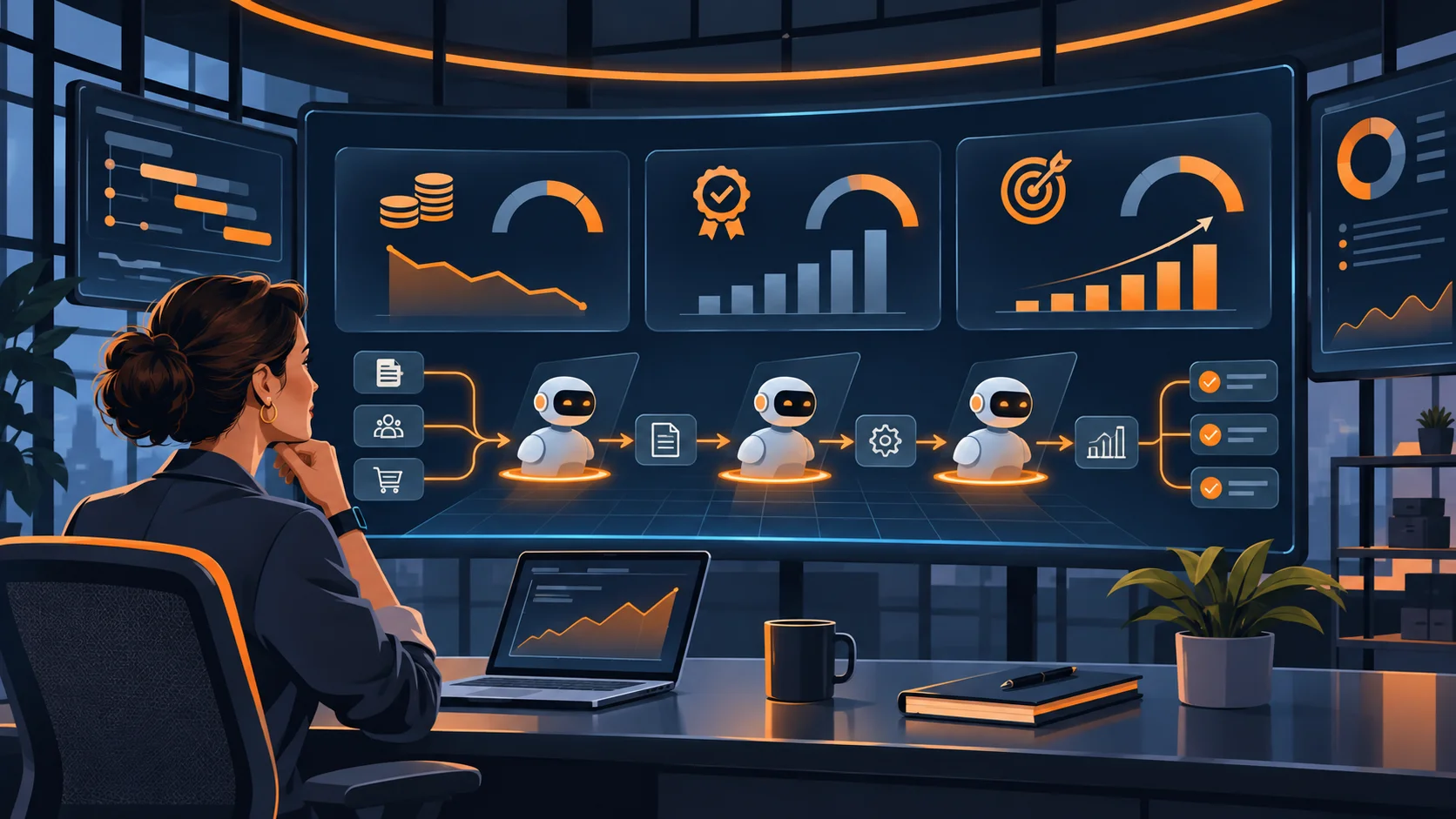
Why AI Automation Needs an Instrument Panel
Traditional automation is mostly deterministic: when this happens, do that. AI adds judgment, variable outputs, and usage-based costs. The same prompt can produce a different answer, a model can consume more tokens on a long document, and a tool call can succeed technically while still creating the wrong business result.
Vendors are responding by adding more visibility. Anthropic's official Claude Code analytics documentation describes dashboards for usage metrics, spend tracking, contribution metrics, and team insights. Smartsheet announced Agentic Workflows in November 2026 that can run recurring tasks from plain-language requests, alongside security event streaming and audit controls. These are useful signals, but each vendor sees only its own part of your process. Your customer-support workflow may span email, an AI model, Make.com, your CRM, and Slack. The business needs one end-to-end view.
This is the same governance problem covered in our AI agent governance guide, translated into daily operations. Permissions prevent an agent from doing things it should never do. Observability tells you what it actually did.
The Four Signals Worth Tracking
1. Volume and completion
Start with the basic flow: jobs received, jobs completed, jobs retried, and jobs sent to a human. Show the numbers by workflow and by day. A completion rate without a denominator is misleading, so keep both visible. If 96 of 100 invoices complete, the four exceptions matter more than a green “96%” badge.
Define completion as the business endpoint, not the final software event. “CRM API returned 200” is not completion if the contact landed in the wrong pipeline. “Follow-up sent and activity recorded against the correct account” is.
2. Cost per completed outcome
Track model usage, automation-platform operations, and paid data lookups, then divide the total by completed outcomes. Monthly AI spend alone cannot tell you whether a workflow is efficient. A $300 workflow that qualifies 120 legitimate leads costs $2.50 per qualified lead. A $60 workflow that produces five usable leads costs $12 each.
Set a warning threshold and a hard ceiling. The warning should trigger review; the ceiling should pause nonessential work or route it to a cheaper path. Our guide to AI agent cost controls explains how budgets, rate limits, and approval gates work together.
3. Quality and exception rate
Quality must be sampled against a written rubric. For an intake agent, that might mean correct contact details, correct service category, a usable summary, and no unsupported promise. Review a small, consistent sample every week and record which rule failed. A vague thumbs-up score will not tell you what to fix.
Also track human overrides. If staff repeatedly rewrite the same field, the automation has a hidden defect even when it never throws an error. Smartsheet's November 4, 2026 announcement offers a good product example: its Data Quality Agent reviews sheets and flags issues by severity on demand or on a schedule. Your own dashboard should apply that principle across the entire workflow, not just one product.
4. Business outcome
The final signal depends on the job: meetings booked, tickets resolved, invoices approved, hours saved, or leads converted. Pick one primary outcome per workflow. Otherwise the dashboard becomes a collage of activity metrics that cannot answer whether the automation is worth keeping.
For revenue workflows, separate assisted outcomes from fully automated ones. If an agent researches a prospect and a salesperson closes the deal, the agent assisted revenue; it did not independently create it. Honest attribution produces better investment decisions.
Build a One-Page AI Operations Dashboard
A useful first dashboard can fit on one page. Put current status at the top: workflows running, workflows paused, open exceptions, and spend this month. Below that, give each workflow one row with owner, last run, completion rate, cost per outcome, quality score, and primary business result.
Then add an exception queue. Every item should include the workflow, timestamp, customer or record affected, error category, retry status, and person responsible. This is operationally more valuable than a sophisticated chart nobody owns.
Use the systems you already have. A spreadsheet and a weekly review are enough for the first few workflows. Once volume grows, send structured run logs into a database or reporting tool. The key is a stable event record: workflow name, run ID, start and finish time, inputs referenced, tools called, cost, status, reviewer decision, and final outcome. Avoid storing sensitive raw content when an identifier or redacted summary is sufficient.
If your automations are still being designed, start with our weekend AI automation project. Adding logging at the beginning is much easier than reconstructing it after ten workflows are live.
Use Alerts That Lead to a Decision
Do not alert on every failure. Retries and transient errors are normal. Alert when a person can take a specific action: pause a workflow after three consecutive failures, review quality when overrides exceed the agreed threshold, investigate spend when cost per outcome rises sharply, or approve a high-impact action before it is executed.
Create three severity levels. Informational events belong in the dashboard. Warnings create a task for the workflow owner. Critical events pause the affected path and notify the owner immediately. A customer-facing hallucination, duplicate payment, or unauthorized data access should never wait for Friday's report.
Every alert also needs context. Include the workflow, run ID, affected record, last successful run, recent change, and safe next action. “Agent failed” is noise. “Invoice extraction failed validation on vendor total; payment creation was blocked; review record 8472” is useful.
Run a 20-Minute Weekly Review
Assign one owner per workflow and review the dashboard at the same time each week. Ask five questions: Did volume change? Did unit cost change? Which quality rule failed most? What did humans override? Did the business outcome improve?
Choose no more than one change per workflow for the next week. That might be tightening an instruction, changing a model, adding a validation rule, or removing an unnecessary lookup. Record the change so you can connect it to the next result. Without a change log, improvement becomes guesswork.
Also review access quarterly and after staff changes. Observability data can reveal what an agent did, but it does not replace sensible permissions, approval gates, and an incident plan. The AI agent incident-response playbook provides the stop, contain, investigate, and recover sequence.
Your First 30 Days
Week 1: inventory every live AI workflow and name an owner. Week 2: define one completion event, one quality rubric, and one business outcome for each. Week 3: capture cost and run events in a shared table, then create exception alerts. Week 4: hold the first review, fix the highest-risk failure pattern, and establish thresholds.
The goal is not perfect telemetry. It is knowing when an automation is healthy, when it needs help, and when it should stop. Once you can answer those questions in minutes, you can scale AI with far more confidence—and far fewer expensive surprises.
If you want help designing the dashboard, controls, and workflow ownership model around your actual systems, book a free strategy call at apolloagent.ai.